
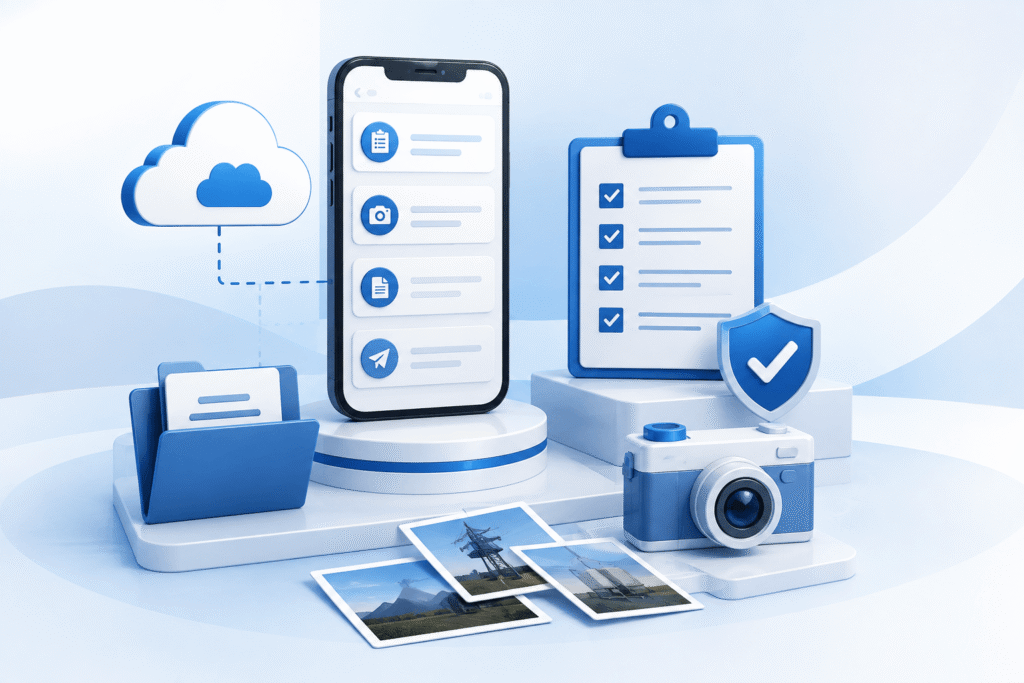
Enhancing the Last Mile of Field Service Operations
For organisations delivering field-based services, the completion of a job is only part of the customer journey. Providing accurate, timely documentation—complete with supporting photographs and evidence of work—is equally important.
A leading field service organisation engaged Ennovision to enhance its Salesforce Field Service (FSL) solution, enabling the on-ground staff to seamlessly include job photographs and supporting documents within customer discharge communications. The objective was to improve operational efficiency, reduce manual effort and provide customers with richer, more transparent service records.
Rather than rebuilding the existing solution, Ennovision engineered a scalable enhancement that extended the current Lightning Web Component (LWC), supported both Salesforce desktop and the FSL Mobile application, and introduced a robust asynchronous attachment processing capability.
The Challenge
The client already had a custom Salesforce Discharge Letter solution that generated customer emails upon completion of field service appointments.
However, several operational limitations remained:
- On-ground service staff could not include photographs already captured during the appointment.
- Existing Service Appointment files had to be downloaded and reattached manually.
- Large attachments risked hitting Salesforce Apex limits.
- The functionality was primarily designed for a single platform rather than providing a consistent desktop and mobile experience.
- There was limited visibility of which files would be included before sending the email.
The client required an enhancement that integrated naturally into the existing user experience without disrupting established operational processes.
Intelligent Service Appointment File Retrieval
The enhanced solution automatically retrieves photographs and documents already associated with the Service Appointment.
Rather than asking on-ground service staff to upload files again, the application presents all available attachments directly within the Discharge Letter interface.
Where technically appropriate, image thumbnails can also be displayed, allowing users to quickly identify the correct photographs before sending.
Consistent Desktop and Mobile Experience
On-ground service staff frequently operate through the Salesforce Field Service mobile application, while back-office teams use Salesforce desktop.
The enhanced solution was engineered to provide a consistent user experience across both environments.
Users can:
- Generate discharge letters
- Select supporting photographs
- Attach Service Appointment files
- Send customer communications
regardless of whether they are working from the office or on-site.
Business Outcomes
Following implementation, the client achieved several operational improvements:
- Reduced manual effort for on-ground service staff
- Faster completion of customer discharge documentation
- Improved customer communication with photographic evidence
- Greater confidence in the accuracy of completed work
- Consistent user experience across desktop and mobile platforms
- Improved scalability for handling larger volumes of attachments
- Increased reliability through asynchronous processing and enhanced error handling